
Flutter App Maintenance: What to Budget After Launch
A 2026 budgeting guide for Flutter app maintenance: updates, OS compatibility, monitoring, and feature evolution.
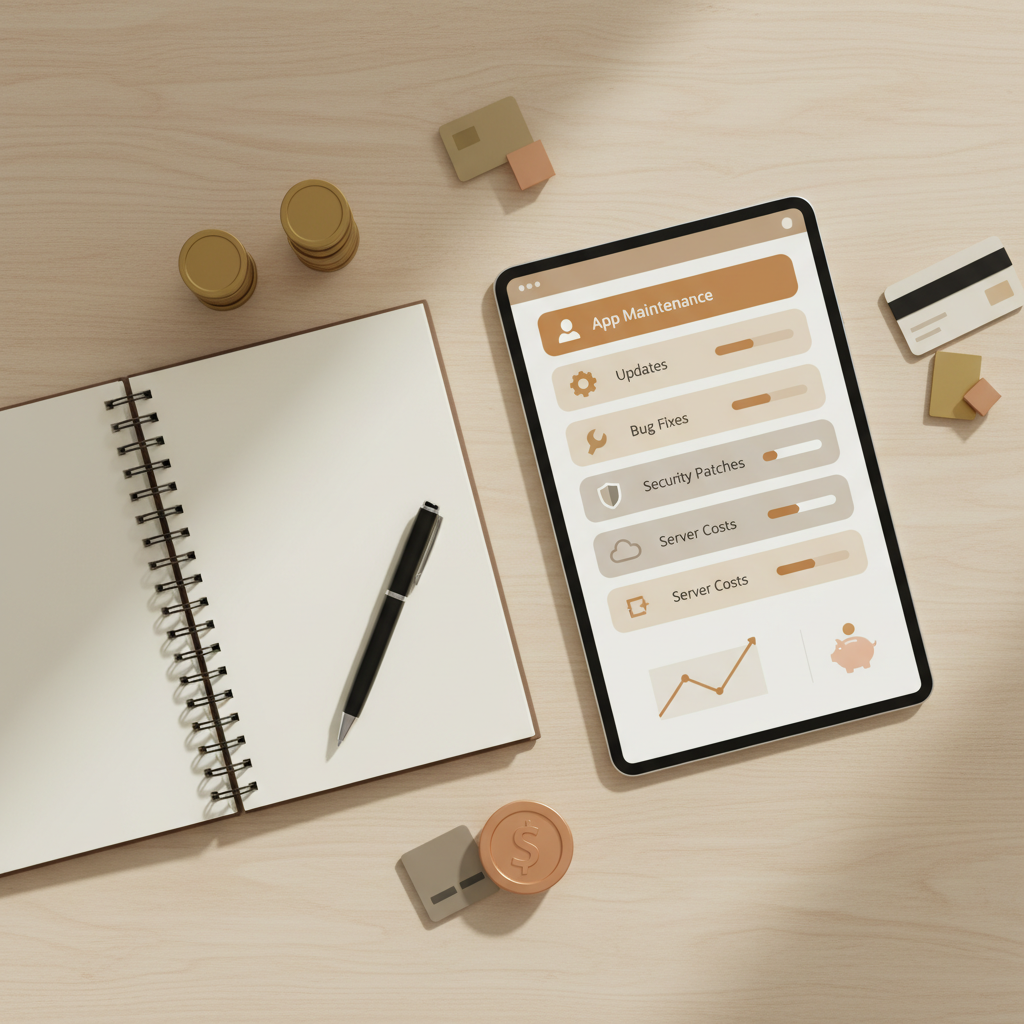
Flutter App Maintenance: What to Budget After Launch
Launching a Flutter app is only the start. Long‑term success depends on maintenance: OS updates, performance tuning, security patches, and continuous improvement. Without a plan, costs become unpredictable and customer satisfaction drops.
This guide explains how to budget for Flutter app maintenance in 2026 and how to build a maintenance plan that avoids surprises.
1. OS compatibility updates
iOS and Android updates can introduce breaking changes. Budget for:
- Quarterly compatibility testing
- Dependency and SDK updates
- UI adjustments for new devices and OS changes
Skipping compatibility checks often leads to emergency fixes after users complain.
2. Crash reporting and performance monitoring
Even stable apps degrade without monitoring. Budget for:
- Crash analytics tools
- Performance tracking dashboards
- Bug‑fix sprints as issues appear
Monitoring reduces downtime and protects ratings.
3. Security and compliance
Security requirements increase every year. Budget for:
- Security patches
- Privacy policy updates
- Compliance reviews for data access
4. Feature iteration and UX improvements
Users expect apps to improve. Even small feature updates maintain engagement.
Plan a budget for:
- Feature enhancements
- UX refinements
- Roadmap updates based on user feedback
5. Infrastructure and operational costs
Maintenance includes hosting and third‑party services:
- Backend hosting
- Analytics tools
- Push notification services
- Paid APIs
These costs should be part of the ongoing budget.
6. Typical maintenance budget ranges
While every app is different, most businesses allocate:
- 15–25% of initial build cost per year for maintenance
- Additional budget for new features or major redesigns
The key is consistency rather than emergency spending.
7. When to use a maintenance retainer
Retainers provide predictable costs and faster response times.
Use a retainer if:
- Your app is business‑critical
- You need guaranteed response times
- You anticipate regular feature updates
Final takeaway
The most successful Flutter apps treat maintenance as a business expense, not an afterthought. With a clear budget, your app stays secure, reliable, and competitive.
If you need help structuring a maintenance plan, we can help.
Maintenance plan template (simple version)
Use this template to plan your year:
- Quarterly OS compatibility checks
- Monthly crash and performance reviews
- Bi‑monthly dependency updates
- One feature release each quarter
- Annual security audit
Retainer vs on‑demand support
Retainer model
- Predictable cost
- Faster response times
- Best for business‑critical apps
On‑demand model
- Flexible cost
- Slower response times
- Best for low‑usage apps
If your app supports daily operations, a retainer is usually the safer choice.
Budget examples by app size
These are typical ranges, not guarantees:
- Small business app with limited features: lower ongoing budget
- Medium app with integrations and analytics: moderate budget
- Enterprise app with compliance and security requirements: higher budget
The correct budget depends on complexity, data sensitivity, and expected growth.
The cost of neglect
Skipping maintenance leads to:
- OS incompatibility
- Higher crash rates
- Reduced app store ratings
- Increased support tickets
- Emergency fixes that cost more than planned work
Maintenance is an insurance policy against operational risk.
KPIs to measure maintenance success
Track these metrics:
- Crash‑free sessions
- Average response time
- Store rating trends
- Support ticket volume
- Time to fix critical bugs
FAQ: Flutter maintenance budgeting
Is maintenance really necessary?
Yes. Apps degrade without updates, which affects ratings and user trust.
Can we skip OS updates?
Not safely. OS changes can break key features and lead to rejection.
How soon should we start maintenance?
Immediately after launch. Maintenance is a continuous process.
What maintenance actually includes
Maintenance is more than bug fixes. It typically covers:
- OS compatibility updates
- Dependency and SDK upgrades
- Performance audits and optimizations
- Security patches and privacy reviews
- Minor UX improvements based on feedback
Without these, even a well‑built app will degrade over time.
Cost drivers to plan for
Maintenance costs increase when:
- The app integrates with many third‑party APIs
- The app handles sensitive data
- You support multiple device types and OS versions
- You rely on complex offline workflows
Understanding these drivers helps you set a realistic annual budget.
Service levels and response time
If your app supports daily operations, response time matters. A typical maintenance agreement should define:
- Critical issue response time
- Bug‑fix turnaround targets
- Planned release cadence
- Ownership of third‑party dependency updates
Clarity here prevents surprises later.
Example maintenance workflow
Here is a simple monthly cycle:
- Review analytics and crash logs
- Identify top 3 issues or improvements
- Release a patch or performance update
- Document changes and update roadmap
This keeps progress consistent without large spikes in cost.
Maintenance vs rebuild decisions
Sometimes teams ask whether it is cheaper to rebuild. In most cases, maintenance is more cost‑effective when your app already delivers business value. Rebuilds only make sense when the architecture is outdated, dependencies are unmanageable, or user experience is fundamentally broken. A structured maintenance plan prevents the app from reaching that point.
Budget planning tips for 2026
To keep budgets predictable:
- Reserve a fixed maintenance allocation each quarter
- Separate feature growth from maintenance spending
- Track maintenance ROI through reduced crashes and higher ratings
- Avoid scope creep by defining what is included in maintenance
These steps make maintenance planning easier for finance and product teams.
FAQ: Maintenance vs new features
Should we pause new features to focus on maintenance?
Not always. The best approach is a balanced roadmap with planned maintenance sprints.
What if we only have a small budget?
Start with the highest‑risk areas: OS compatibility, crash fixes, and security updates.
Aligning stakeholders
Maintenance can feel invisible, so align expectations early. Product teams should define what “healthy” looks like, support teams should track recurring issues, and leadership should approve a maintenance budget that protects revenue. When everyone agrees on the outcomes, maintenance becomes easier to justify.
Even a short quarterly review meeting can keep priorities aligned and avoid surprise costs later in the year.
This is especially important when multiple departments rely on the app for daily operations.
Clear ownership prevents maintenance tasks from being delayed or ignored.
That consistency protects user trust and internal confidence.
It also reduces costly firefighting after OS updates.
This keeps budgets stable and teams focused.
It also improves long‑term ROI.
And reduces churn.
Over time.
Turning KPIs into action
Do not just track crash‑free sessions. Use KPIs to prioritize work:
- If crash‑free sessions drop, schedule a hot‑fix sprint
- If ratings decline, review UX feedback and performance
- If response time grows, optimize backend calls
Metrics should drive decisions, not just reporting.
Keep reading
iOS App Maintenance in 2026: What to Budget and How to Plan
A 2026 budgeting guide for iOS app maintenance: OS updates, performance monitoring, security, and feature iteration.
Read articleHow Much Does an App Cost in Australia in 2026? A Real Breakdown by Scope
What mobile app development actually costs in Australia in 2026, broken down by scope tier, platform and team model — plus the line items that blow budgets and how to get a defensible estimate before you commit.
Read articleiOS 18: What's New for Business Apps (and What to Update Now)
A business‑focused iOS 18 update guide covering compatibility, privacy, performance, and App Store readiness.
Read article